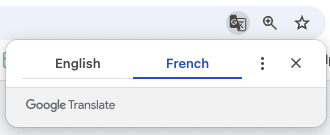
Toolpath is currently built in English, but you can make some web browser setting changes to easily translate it to the language of your choice. Have a look at the video below to see how.
Step-by-Step Instructions:
1. Open Google Chrome
2. Chrome, Settings (to access Settings)
3. Languages (or search languages in search bar)
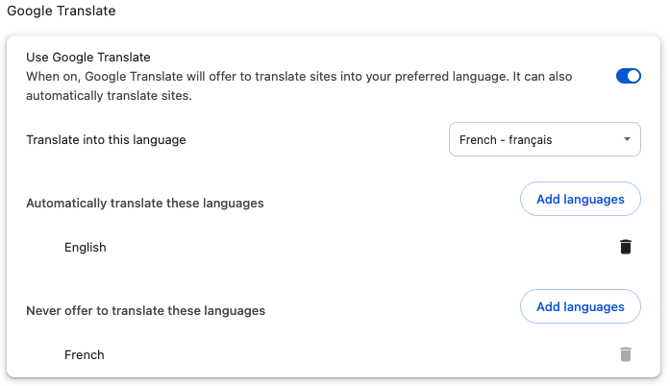
4. In Google Translate field, enable Google Translate
-
Translate into this language : (your language of choice)
-
Automatically translate these languages: (language to translate from)
You can still switch back and forth between languages by clicking this icon in the search bar.